








Description
Product Overview
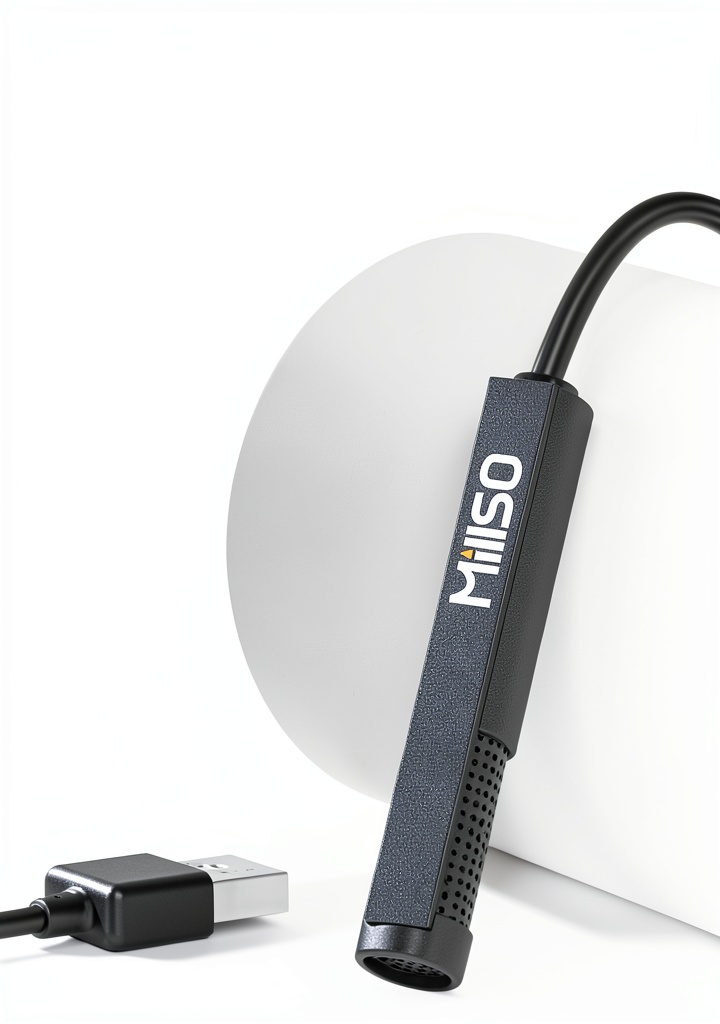
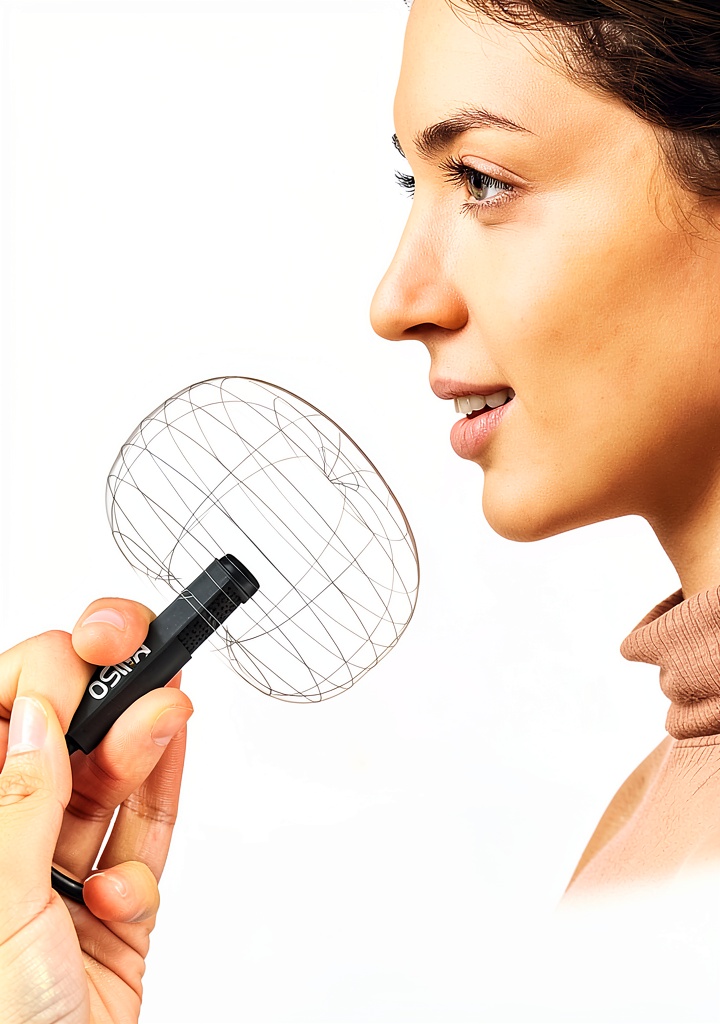
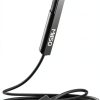
The MillSO USB Lavalier microphone is a compact, clip‑on solution designed for clear voice capture on laptops and PCs. Constructed from high‑impact ABS, metal reinforcement and PVC components, the mic offers durability while remaining lightweight at just 40 grams (1.41 oz). It features a 4.9 ft (1.5 m) extension cable, omnidirectional pickup pattern, and a signal‑to‑noise ratio of 60 dB, ensuring consistent audio quality regardless of mic orientation. The device is bus‑powered via USB‑A, requiring no external drivers or software.
Usage
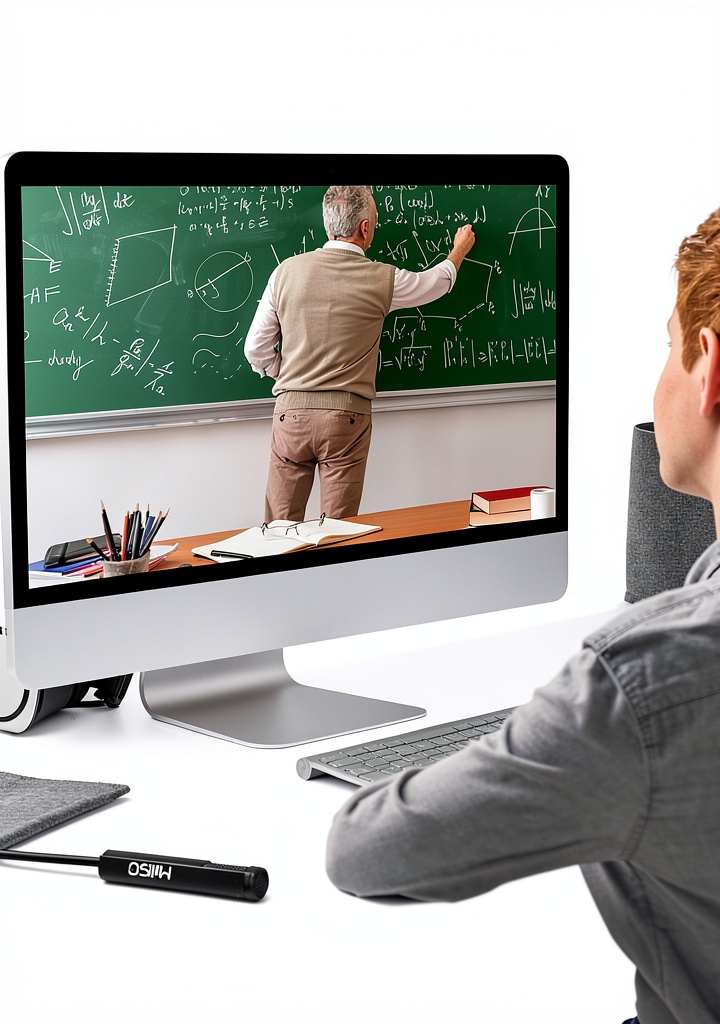
This microphone excels in home studios, remote work setups, online education, and live streaming. Its flexible cable lets users position the mic comfortably whether seated at a desk or standing in front of a camera. Gamers benefit from clear in‑game communication, while podcasters appreciate the plug‑and‑play convenience for quick episode recording. 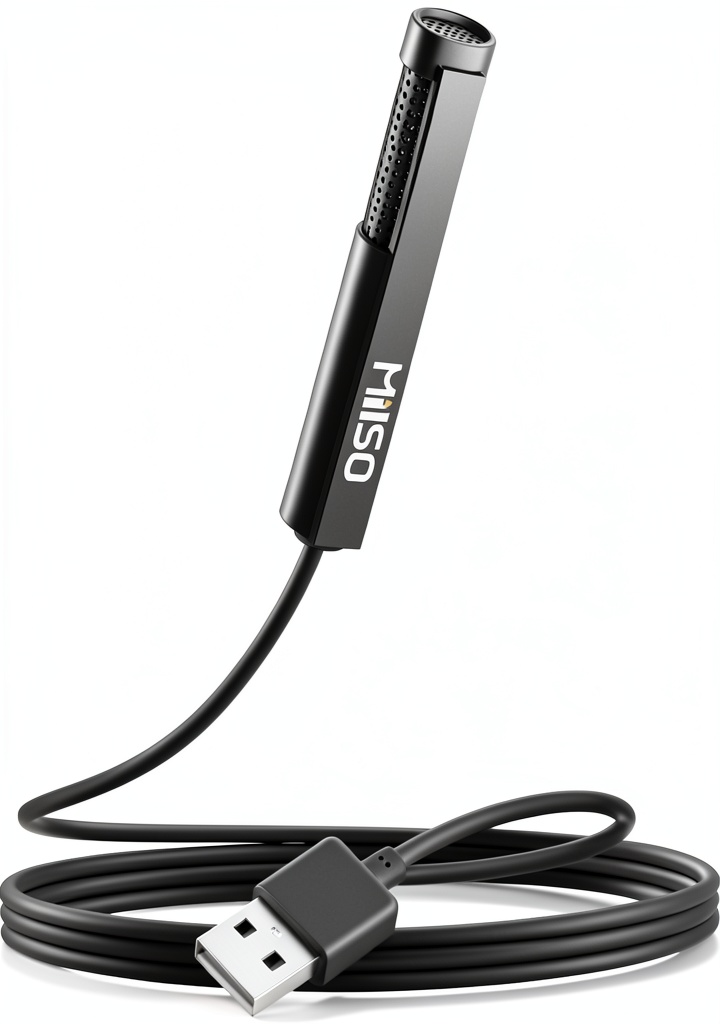
Why Choose Us
MillSO prioritizes build quality and user experience. The integrated smart chipset delivers low latency and accurate voice reproduction. Each unit undergoes rigorous testing to meet a 4‑star average rating from over 100 verified customers. Our 24/7 technical support ensures any setup questions are resolved promptly, and the sleek packaging makes it travel‑ready for on‑the‑go creators.
Key Features
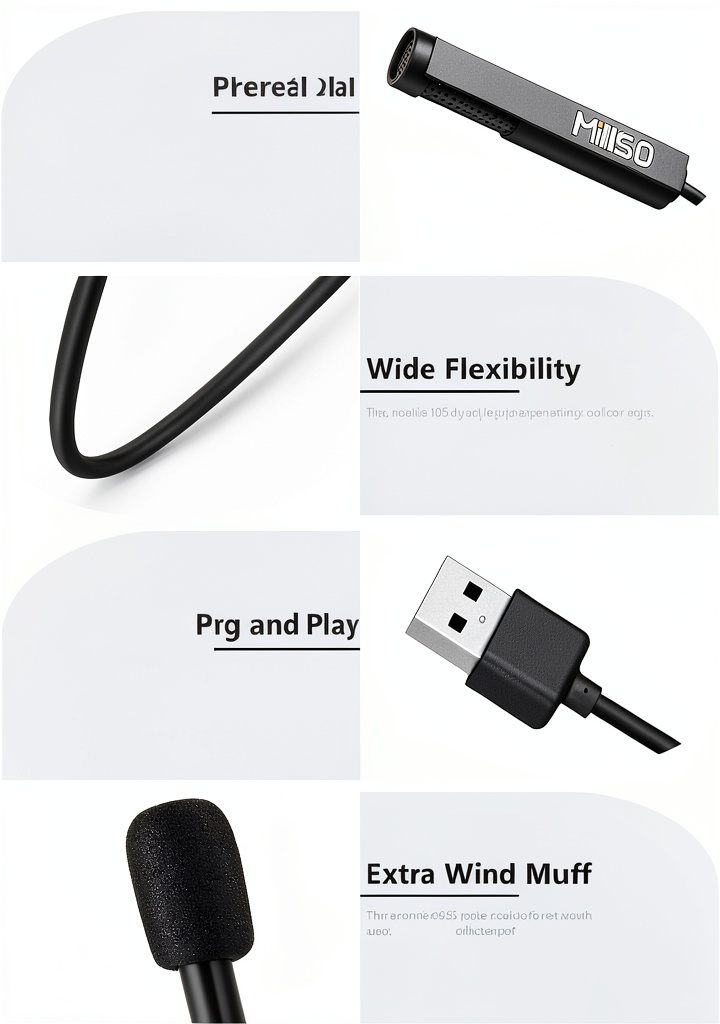
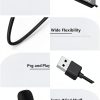
- 1.5 m flexible cable provides freedom of movement and optimal mic placement.
- Omnidirectional pickup captures sound evenly from all directions.
- Durable ABS, metal and PVC construction ensures long‑term reliability.
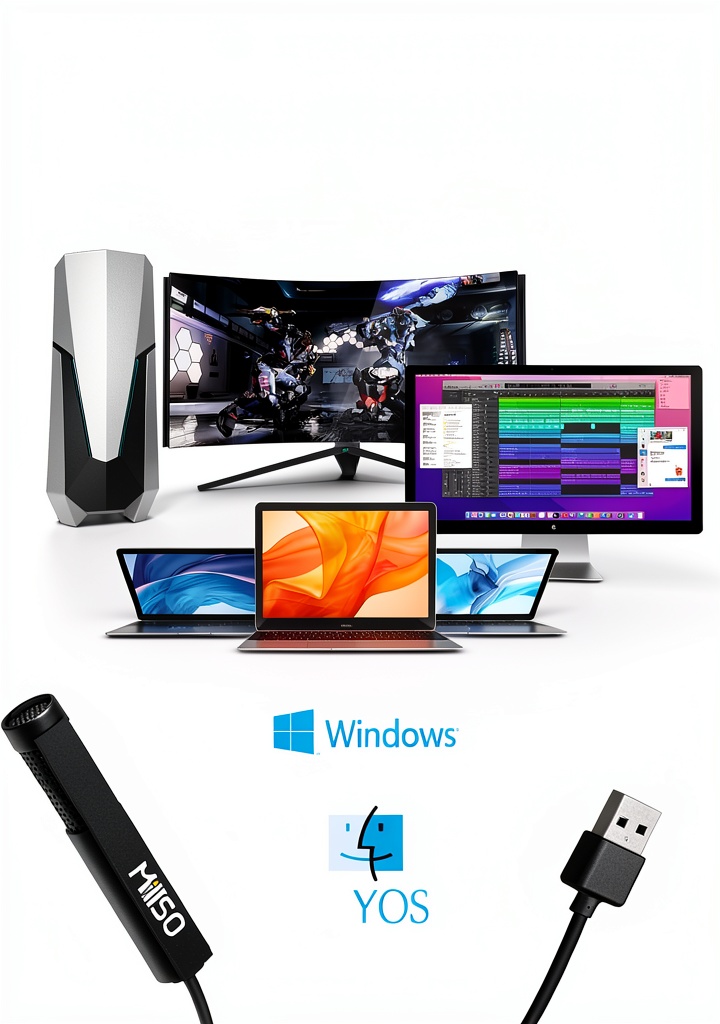
- Plug‑and‑play USB‑A connection works instantly with Windows laptops and PCs.
- Low 60 dB signal‑to‑noise ratio delivers clear voice with minimal background hiss.
FAQ
Is any driver installation required?
No additional drivers or software are needed. Simply connect the microphone to a USB‑A port and it will be recognized automatically by the operating system.
Can I use this mic with a Mac or iPad?
The microphone is compatible with any device that supports USB‑A audio input, including macOS computers and iPads with appropriate adapters.
What is the recommended distance from the mouth?
Position the lavalier about 2‑3 inches from the mouth for optimal clarity; the 1.5 m cable allows flexible placement.
Does the microphone have a mute button?
There is no inline mute button; volume can be adjusted via the computer’s audio settings or Windows sound control.
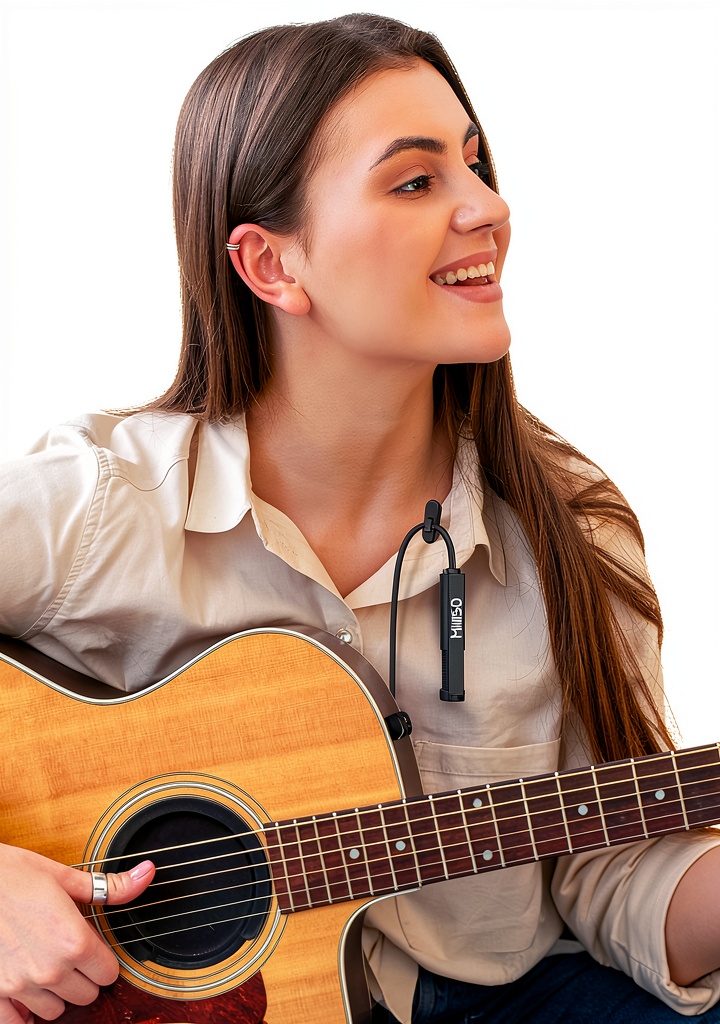
Is the microphone suitable for musical instruments?
While designed primarily for voice, the omnidirectional pattern can capture acoustic instruments in a quiet environment, though a dedicated instrument mic may provide better results.


Reviews
There are no reviews yet.